
HomeWindows, macOS and Linux
A Telegram video player for Windows, Mac and Linux
TMPlayer is a free, open source and unofficial Telegram media player. On a computer it signs in to your own account, shows the videos in your chats as posters and plays them while they download.
The app on a computer
The same account, library and streaming as the TV, in a window built for mouse and keyboard.

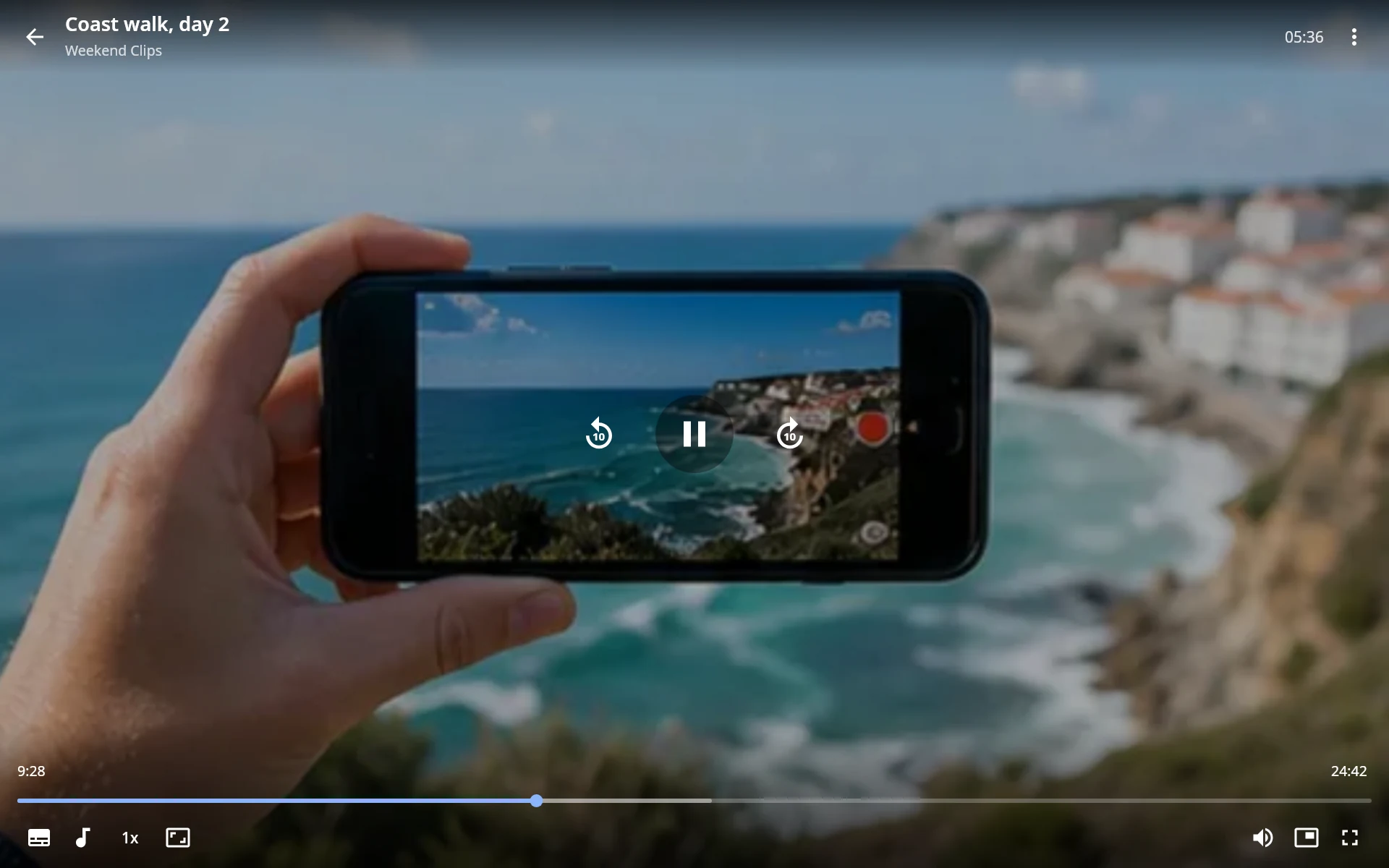
It is built with Compose Multiplatform and plays through mpv, which comes inside the app: there is nothing else to install.
What it does
The window
- Signs in with the same QR code, or with a phone number.
- A sidebar and a grid. Home, History, Favourites, Downloads, your chats and Settings, with posters you can resize.
- Right click a video to play, restart, download or copy its Telegram link.
- Downloads are files in a folder you can see, your Downloads folder unless you pick another drive, and stay until you remove them. Played videos are cached up to a limit you set.
- Remembers its window size and position. A second launch brings it forward.
The player
- Played through mpv: MKV, MP4, AVI, TS, image subtitles, DTS, TrueHD and E-AC3, all bundled.
- Streams while it downloads and seeks without waiting.
- Picks up where you stopped, offers the next episode, and remembers subtitle and audio choices per series.
- Keeps the screen awake while a video plays.
- Answers the media keys, the Linux desktop's media controls, and the media flyout on Windows.
Signing in and updates
Sign in
Sign in with Telegram's own Link Desktop Device flow. No bot, no server, nothing in between.
Scan the QR code with Telegram on your phone: Settings, Devices, Link Desktop Device. Or choose Log in by phone number.
Updates itself
It looks for a new release when it starts and every six hours, and installs nothing until you press the button. On Windows the new MSI installs in place, on Linux the AppImage replaces itself, and on a Mac it opens the release page. Every download is checked against its SHA-256 first.
Install it on your computer
Windows
Windows 10 or 11, 64-bit. No administrator password needed.
irm https://tmplayer.org/install.ps1 | iexPaste this line into PowerShell: it downloads the MSI from GitHub, checks it against the published checksum and installs TMPlayer for your user. Or download the MSI and open it yourself.
macOS
A preview for Macs with Apple Silicon (M1 and later) running macOS 26 Tahoe or newer. Intel Macs are not supported, and an older macOS will not open it.
Drag it to Applications. It is not notarized by Apple yet, so the first time macOS says it was not opened: click Done, then Open Anyway in System Settings, Privacy and Security.
Linux
x86_64, with glibc 2.38 or newer: Ubuntu 24.04, Debian 13, Fedora 39 and later
One AppImage for any distribution: make it executable and open it. On Arch, build the PKGBUILD in the repository with makepkg -si.
Desktop keyboard shortcuts
YouTube's keys, plus the ones mpv and VLC use. None of them fire while you type in search.
| To do this | Press |
|---|---|
| Play or pause | Space K, or click the picture |
| Back or forward 5 seconds | ← → |
| Back or forward 10 seconds | J L |
| Back or forward a minute | Shift+← Shift+→ |
| Volume | ↑ ↓, or the wheel |
| Mute | M |
| Fullscreen | F F11 |
| Next or previous subtitles, on or off | V Shift+V C |
| Next or previous audio track | A Shift+A |
| Next or previous episode | Shift+N Shift+P |
| Mini player in the corner, and back | Ctrl+P |
On a Mac, Cmd takes the place of Ctrl. Press ? in the player for all of them, or see the full table.
Will it run on yours?
Yes
- Windows 10 and 11, 64-bit
- Macs with Apple Silicon on macOS 26 or newer, as a preview
- Linux on 64-bit x86, any distribution with glibc 2.38 or newer
No
- No iPhone or iPad version.
- Not Intel Macs, and not a macOS older than 26.
- Not Linux on ARM, such as a Raspberry Pi: 64-bit x86 only for now.
Star it if it helped
A desktop app that grew out of a TV app. If it plays your Telegram videos well, a star tells the next person it is worth a try.
stars forks GPL-3.0, and free for good
Support TMPlayer
TMPlayer has no ads of our own (Telegram's sponsored messages appear in public channels, as Telegram requires) and no paid tier. If it saves you some bother, a coffee or a monthly sponsorship pays for the time that goes into it. It is voluntary and unlocks nothing: every feature is free for everyone.